
Effects
Turbulent Displace
The Turbulent Displace effect distorts the contents of its layer using fractal noise.
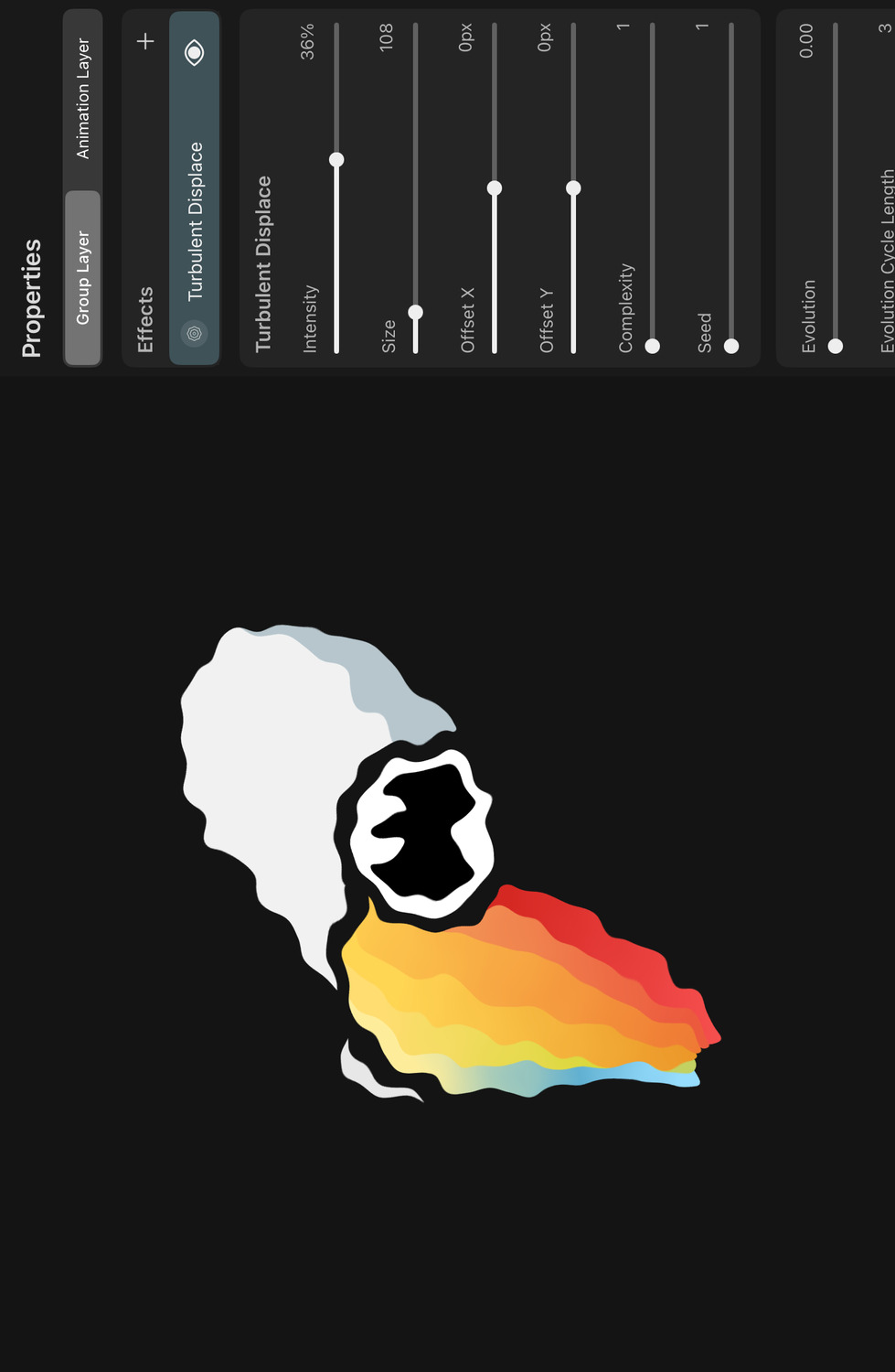
Properties#
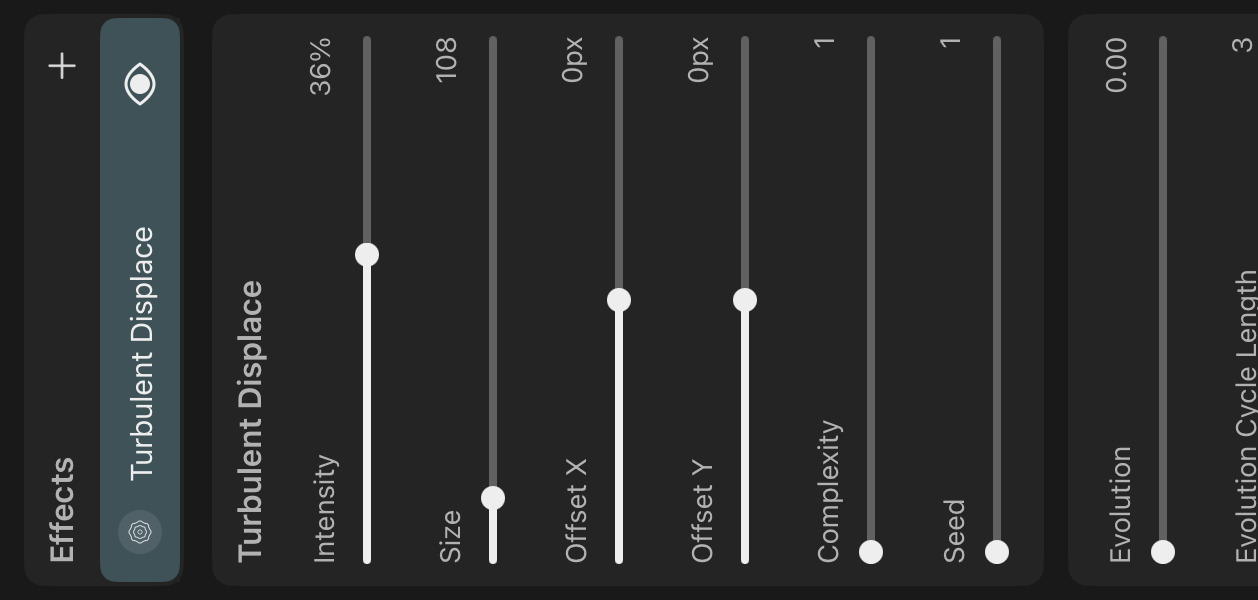
Intensity#
The amount of distortion that should be applied to the layer contents. Negative intensity values reverse the direction of all distortions.
Size#
The Size property controls the scale of the fractal noise driving the distortion. Larger size values lead to fewer but larger distortion "waves" across the layer. Smaller size values lead to a higher frequency of distortion across the layer.
Offset X / Y#
The offset values can be used to shift the fractal noise and thereby the distortion pattern relative to the layer.
Complexity#
Controls the level of detail of the distortion. Increasing the complexity setting adds more octaves to the fractal noise.
Seed#
This is the random seed used to generate the fractal noise. Different seed values result in different distortion patterns.
Evolution#
Similar to the Seed property, changing the Evolution property changes the distortion pattern. However, as opposed to the random seed, the evolution property supports fractional values, leading to smooth transitions in the distortion.
Evolution Cycle Length#
Controls the range of unique evolution values before the distortion should begin looping. If you don't want the distortion pattern to ever loop, set this value to zero.
When animating the Evolution property continuously, setting the cycle length to a value larger than zero results in a seamless loop of the distortion changes over time.
Frames per Evolution#
By default, the effect automatically animates its evolution value over time. The Frames per Evolution property defines how many frames it should take for the evolution to automatically increase its value by one.
If you do not want the effect to animate automatically, you can set Frames per Evolution to 0 or set Animation Mode to None.
Animation Mode#
Controls how the automatic evolution value animation is performed.
None#
No automatic animation is performed.
Discrete#
When the animation mode is set to Discrete, the evolution value jumps by one after the number of frames defined by Frames per Evolution. This causes the distortion to remain unchanged for that number of frames before switching to a distinctly different pattern.
Continuous#
In the continuous animation mode, the evolution value increases linearly on every frame, at the rate defined by Frames per Evolution, leading to smooth changes of the distortion over time.
Tip#
The default settings of the Turbulent Displace effect are configured to create a subtle line boiling effect.
Line boiling is a common effect in hand-drawn animation that is usually achieved by manually redrawing a frame multiple times and looping the result. The naturally resulting variations of the different drawings create a slight flickering which can add a bit of life into the drawings.
If you want to change the duration or the number of distinct frames of the automatic animation, edit theFrames per EvolutionandEvolution Cycle Lengthproperties.
If you want to disable the automatic animation completely, setAnimation ModetoNoneor setFrames per Evolutionto0.
No search results