
Effects
Stroke
The stroke effect adds a stroke to the edges of its layer's contents.
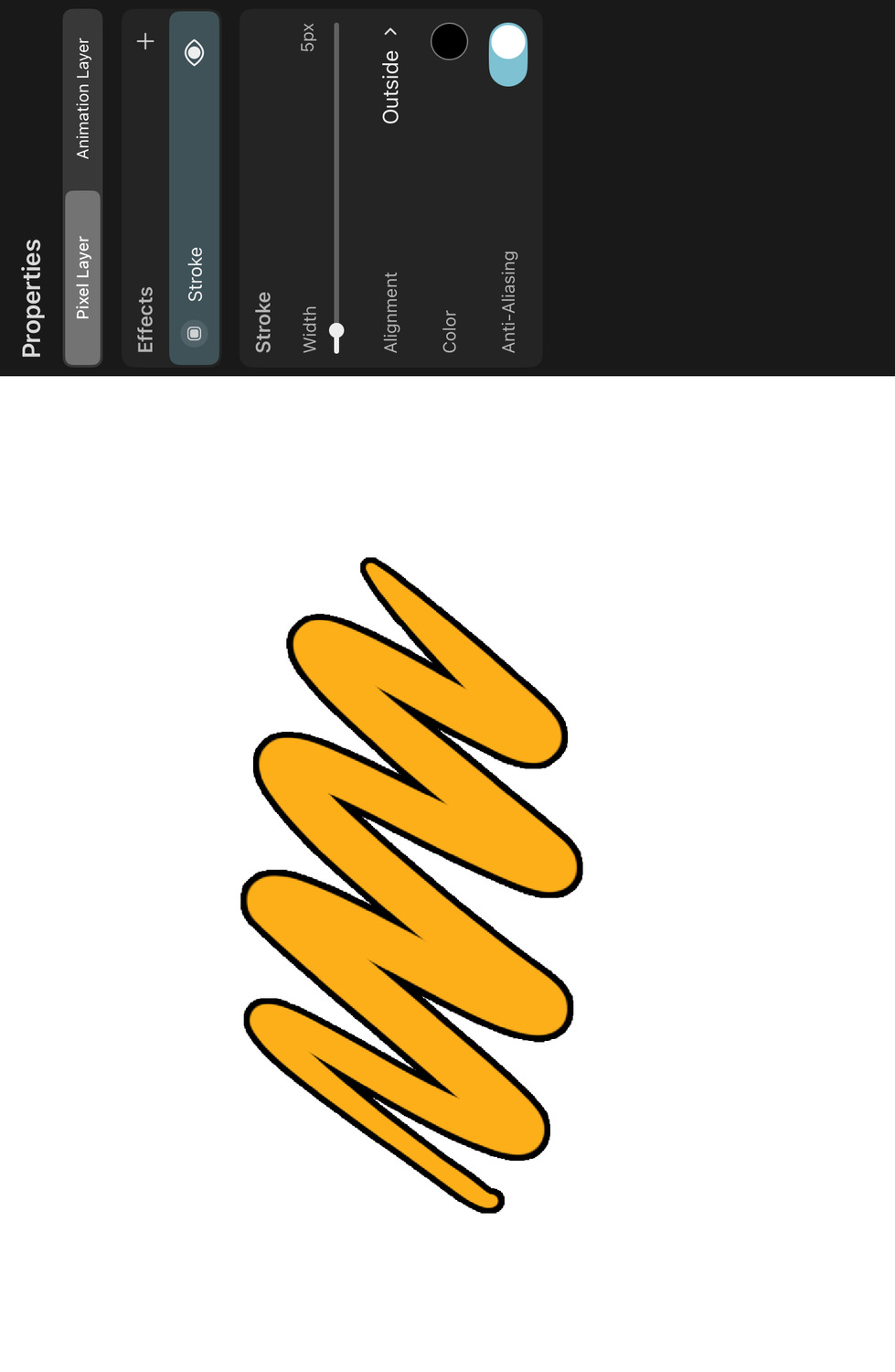
Properties#
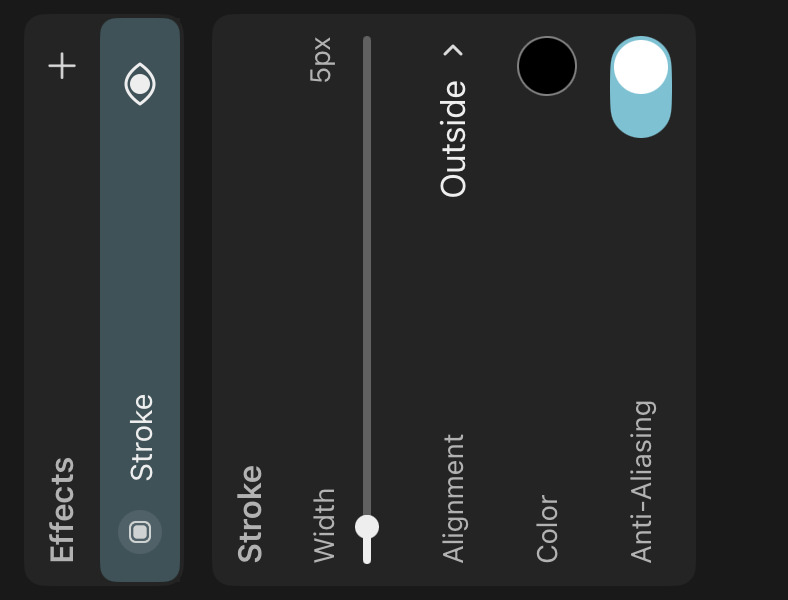
Width#
The width of the stroke.
Note#
The stroke effect can have a large performance impact, which increases with the stroke width. If you do not need the stroke to be dynamically updated or nondestructive, consider rasterizing the stroke effect into the layer contents for better editing performance.
Alignment#
Determines whether the stroke should be drawn outside of, inside of or centered on the edge of the layer contents.
Color#
The color and opacity of the stroke.
Anti-Aliasing#
When enabled, the stroke edges will be smoothed to reduce jagged edges. Disable this option for a sharper, pixelated stroke appearance.
No search results